
Drawing rabbits with WPF pixel shaders

September 15th, 2009


crossposted on labs.boulevart.be

I’m a big fan of writeable bitmaps.
When drawing more then 1000 items on screen writeable bitmaps performs a zillion times better then individual objects.
Based on WriteableBitmap Class MSDN sample it’s peanuts creating a fullscreen drawing application.
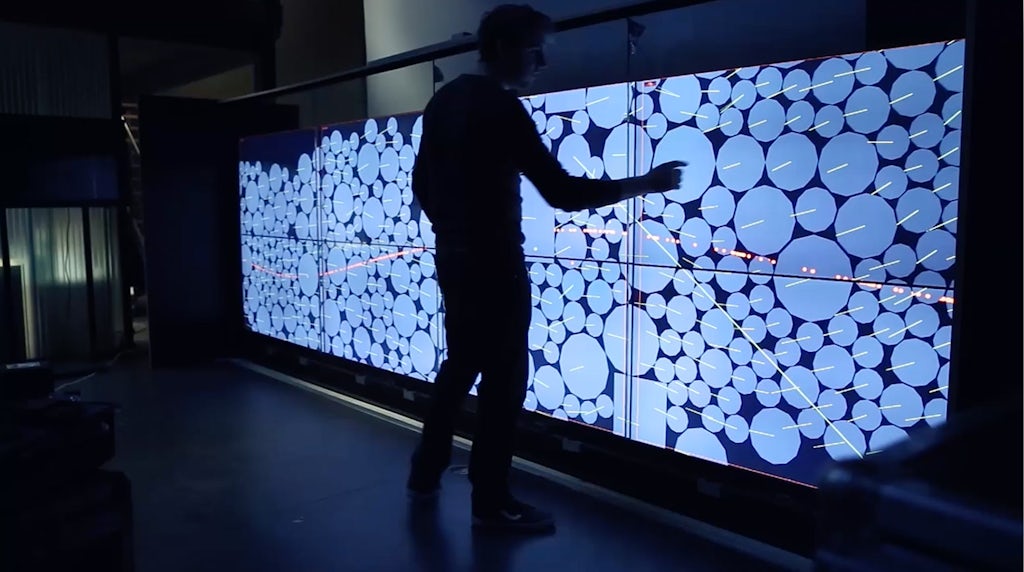
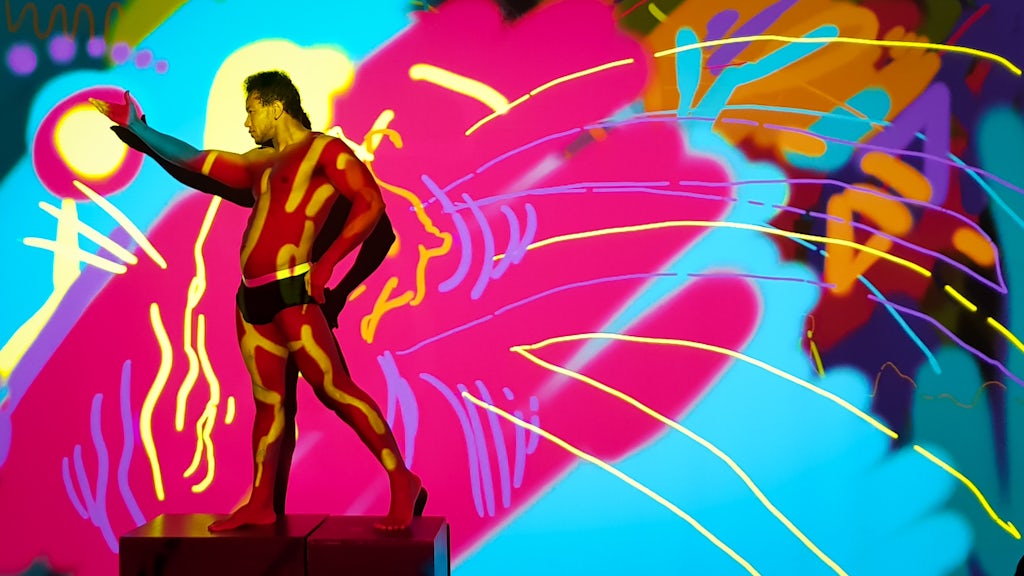
After modifying DirectionalBlur shader from the WPFFX I got the this little drawing app.

The above demo was done on a MSI windtop touchscreen (dual core 1.5Ghz Atom CPU)

download

Use M to (de)activate the mouse.
Use F to toggle fullscreen.
Use ESC to exit the application.

Touchscreen video puzzle by Boulevart and Holocube

September 10th, 2009

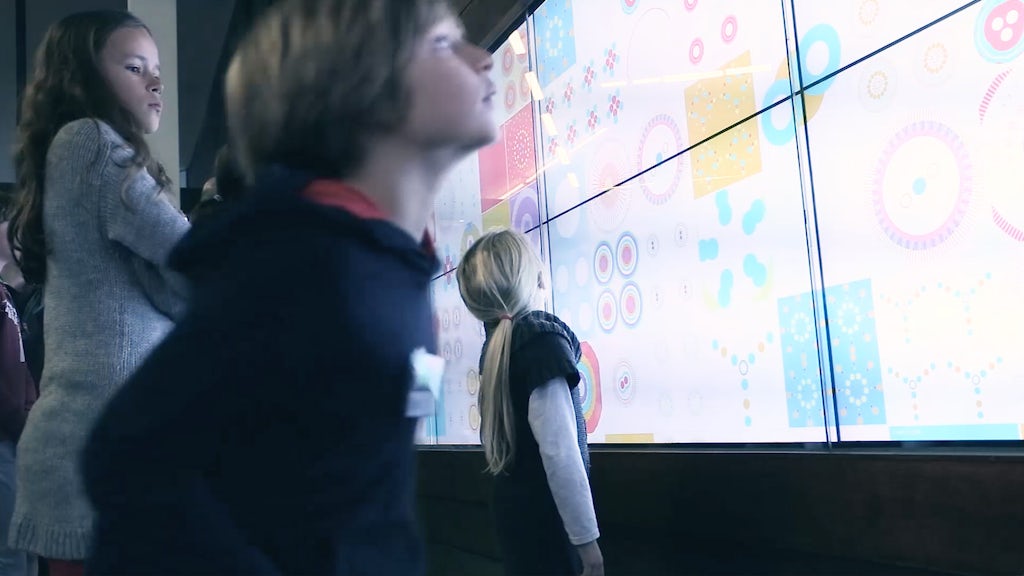
After a little delay due some supplier problems the final prototype screen is up and running !
The results are great:

  • Screen looks superb
  • The application response is really fast
  • Touch foil gives good response through our 10 mm plexi cover.
  • Low hardware requirements.

Our project goal was to create a fun application which could elaborate the screen’s full potential.

The puzzle created by Boulevart makes good use of the touch technology. It would be much slower to operate with a traditional mouse.

Hardware
Case design by Joris Vanbriel from Holocube.
Joris and Jan Vanbriel did a great job solving all the hardware issues.
Current prototype uses a 46” plasma with a built-in Mac Mini. Final project will use a Mini-Itx with IDE flash memory to save space and provide a faster startup.

Software
The application is built on WPF technology which suits perfectly for the job.
WPF does great on spreading the appliction load onto multiple CPU cores and can use GPU hardware acceleration.

Playing these 1360 * 720 fullscreen videos results in 30% CPU load on a 1.7 Ghz dual core setup.
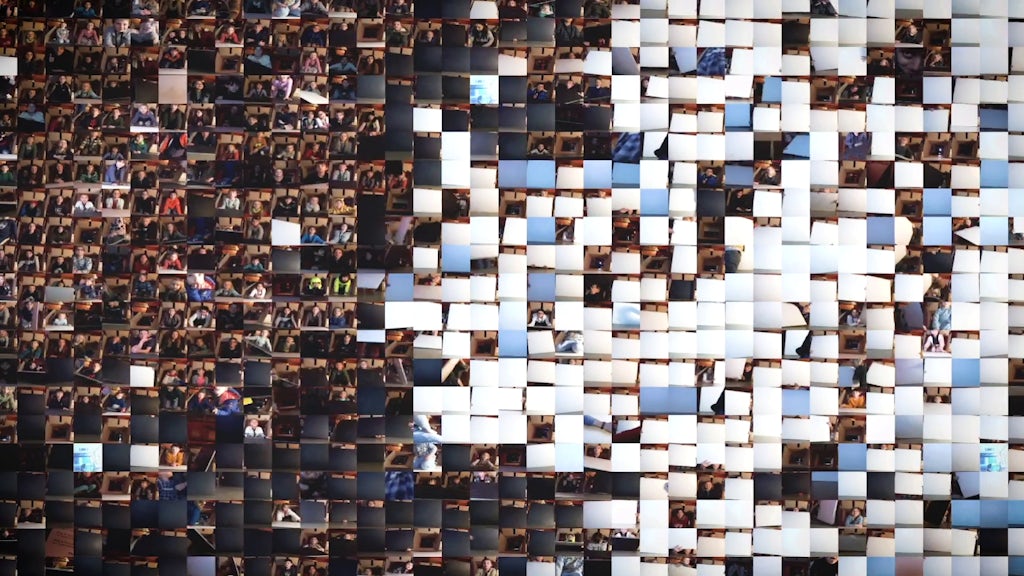
Realtime video slicing using WPF’s Visualbrush.

Movie and demo by Arne Jennard

Touchscreen puzzle preview

August 23rd, 2009

promo-500


Some months ago I had the chance to work a week at a super project with the guys from Holocube.
The project description was simple do something cool with a single touch 42″ screen.
Hardware by Holocube and software by Boulevart .

Read the rest of this entry »

Silverlight 3 RTW Writeable bitmap changes

July 15th, 2009

With the official release of Silverlight 3 RTW I received some feedback that my plasma sample wasn’t working anymore.
The problem occurs in some small changes in the Writeable bitmap api.
The official MS change document talks about the new constructor and the lock methods.

3.19 WriteableBitmap changes

The PixelFormat parameter for the WriteableBitmap constructor has been removed. WriteableBitmap(int pixelWidth, int pixelHeight, PixelFormat format) is now WriteableBitmap(int pixelWidth, int pixelHeight).

The only supported PixelFormat is now Pbgra32.

Similarly, the PixelFormat and PixelFormats type has been removed.Lock() and Unlock() have been removed.

But that’s not the only thing.
From now on you have to use the pixels property to write or read pixels.

I updated my previous sample and code.

Silverlight 3.0 Hands-on workshop

July 3rd, 2009

For those of you who aren’t member of the Belgian Silverlight User Group there’s a upcoming workshop on September 10th 2009.

In this workshop, we will build a small Silverlight 3.0 application showing some of the new concepts like out of browser, animation easing, deeplinking, pixel effects, importing Photoshop files and perspective 3D. Some experience with Silverlight 2.0 is required for this workshop.

The workshop is organized with the cooperation of Boulevart

Be quick because there only a few places left.
Register at http://www.besug.be.

Silverlight 3 Writeable Bitmap API - Plasma

June 4th, 2009

plasma

Updated on 15/07/2009 to Silverlight 3 RTW

Inspired by old school MS DOS demos and this Flash Alchemy experiment.
Found out that someone already ported some code from the Alchemy experiment to C#.
So after some tweaking and some help of my colleague Frederik it’s up and running in Silverlight 3 beta.

I’m using two threads to speed up the plasma calculation when moving the dots, since everybody has a duo,triple,quad,octa … core CPU these days,
One thread does even lines and the other odd lines (interlacing).

 public static void GeneratePlasmaEvenLines()
     {
       int index = 0;

       for (var x = 0; x < width; x +=2)
       {
         for (var y = 0; y < height ; y+=1)
         {
           uint color = CalculatePixel(x, y);
           plasma[index++] = color % 255;
         }
         index += width;
       }
     }

     public static void GeneratePlasmaOddLines()
     {
         int index = width;
         for (var x = 1; x < width; x+=2)
         {
             for (var y = 0; y < height; y+=1)
             {
                 uint color = CalculatePixel(x, y);
                 plasma[index++] = color % 255;
             }
             index += height;
         }
     }

  private static uint CalculatePixel(int x, int y)
     {
         int w = (int) param6;
         int h = (int)param5;
         uint color = (uint)
        (
              128.0 + (param3 * Math.Sin(x / param1))
            + 128.0 + (param4 * Math.Sin(y / param2))
            + 128.0 + ((param5/4) * Math.Sin(Math.Sqrt((double)((x - w)* (x - w) + (y - h ) * (y - h))) / 9.0))
            + 128.0 + ((param6/4)* Math.Sin(Math.Sqrt((double)(x * x + y * y)) / 9.0))
        ) / 4;

         // Add shift position to sync the color
         color +=  LastShift;
         return color;
     }

Placing the pixels on the canvas with the our brand new bitmap api

private void BuildBitmap(uint[] data)
        {
            uint colorValue=0;
                for (int x = 0; x < imageWidth; x++)
                {
                    for (int y = 0; y < imageHeight; y++)
                    {
                        // set the pixel value
                        int palletIndex = (int)data[y * imageWidth + x];
                        colorValue = GeneratePlasma.palette[palletIndex];
                        writeableBitmap.Pixels[y * imageWidth + x] = (int)colorValue;
                    }
                }

            writeableBitmap.Invalidate();
            btImage.Source = writeableBitmap;
            GC.Collect();
        }

To view the full code download the project below.

Silverlight 3 is required

demodownload

Jungle Fever

May 5th, 2009

screenshot-with-banner-449


It’s finally finished, my first Silverlight mini game.
In exception from the title image it’s 100% XAML.
All graphics done in MS Expression Design.

Had some small problems in blend, everything else was pretty straightforward.
If you have a background in .NET programming the transition will be smooth.

Enjoy !

Easing in C# Storyboards

March 14th, 2009


Doing easing in and out in blend is pretty straightforward.
Creating that same storyboard in C# is just a mater of syntax.
Read the rest of this entry »

Drag and drop & scripted storyboard fun

July 5th, 2008

This is a sample I created during a Silverlight course.
The goal was to create some custom buttons.
Since that’s no rocket science I added some scripted storyboards and drag and drop controls.

If someone is interested, here is the source

download

Silverlight usercontrol inheritance

July 1st, 2008

Demo and source code included below.
inheritance-monkies

At some point you think wouldn’t it be better to move all this functionality to  a super class ?
And right you are.
Since we all live in objectville it’s not so uncommon.

In my case I tried  to move some of the boring position functionality to a base control.
We all know that creating a basecontrol is peanuts.
But when we do this in a Silverlight control we run in some trouble.
Since our control lives in two files defined by two partial classes.
Partners in crime are the XAML file and the .cs (aka codebehind) file.

So when our .cs file inherits from basecontrol our XAML has to follow.
You probably think  so be it, no problem.
The problem occurs when you re-open that control in Expression Blend.
For no reason whatsoever Expression Blend kicks out the basecontrol.
If you don’t mind changing the XAML file every time you opened it in blend skip the rest of this post.
Read the rest of this entry »


lab101 is proudly powered by WordPress
Content and design by Kris Meeusen
Entries (RSS) and Comments (RSS).